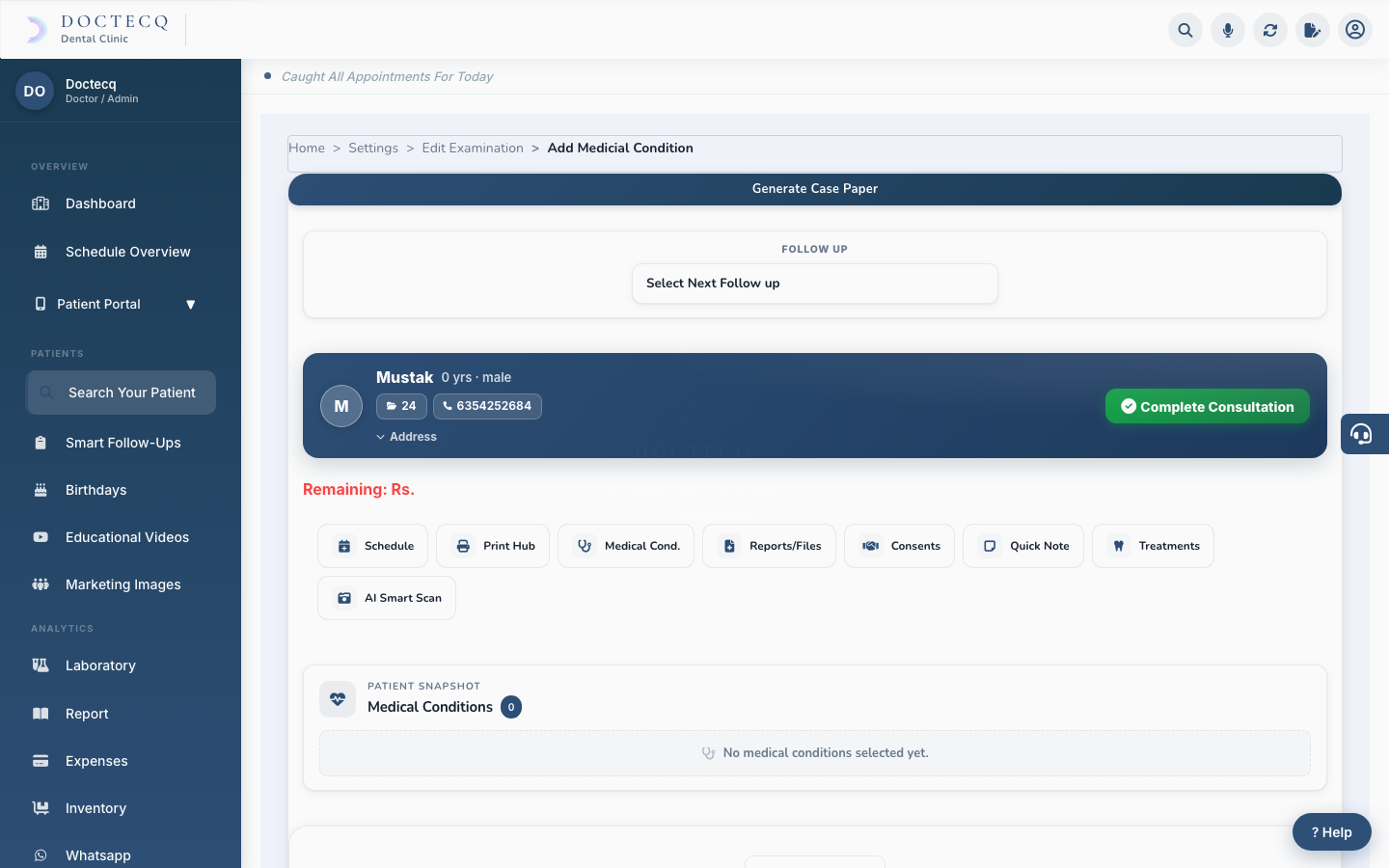
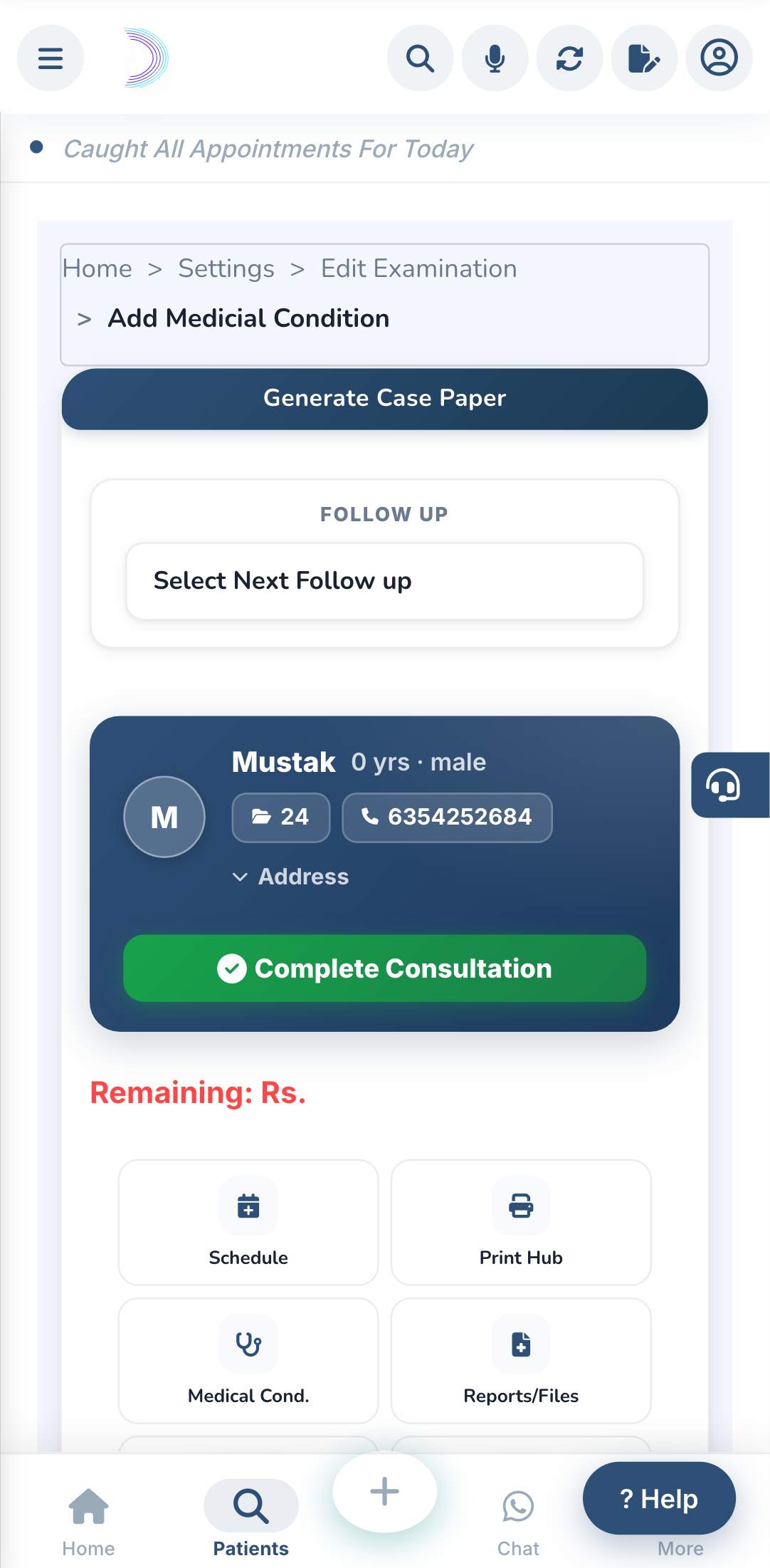
The examination screen is where the whole patient visit happens. Open it from Search Your Patient, or by opening any patient.
The tabs
- TO DO LIST — today's patients waiting to be seen.
- CHATS — messages with patients who use your Patient Portal.
- Overview — a quick summary of the patient.
- Examination — clinical findings (and the dental chart for dental clinics).
- Prescription — write and print prescriptions.
- Sittings — track treatment done over multiple visits, and money collected each visit.
- Billing — create bills and take payments.
- History — every past visit, with print and share for each.
There is also a ⋯ More menu with Estimation and IPD.
Read next: The order of a patient visit.