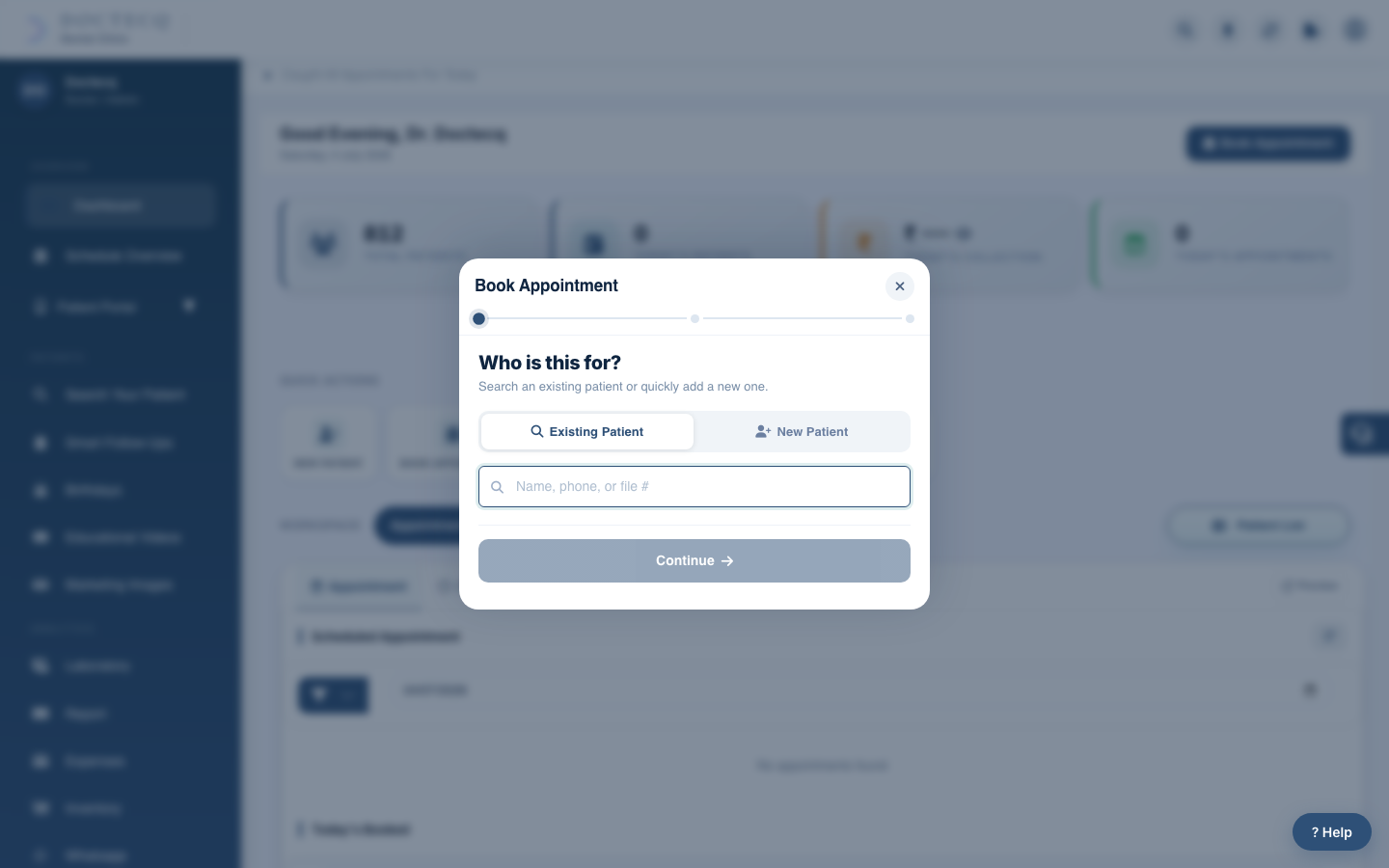
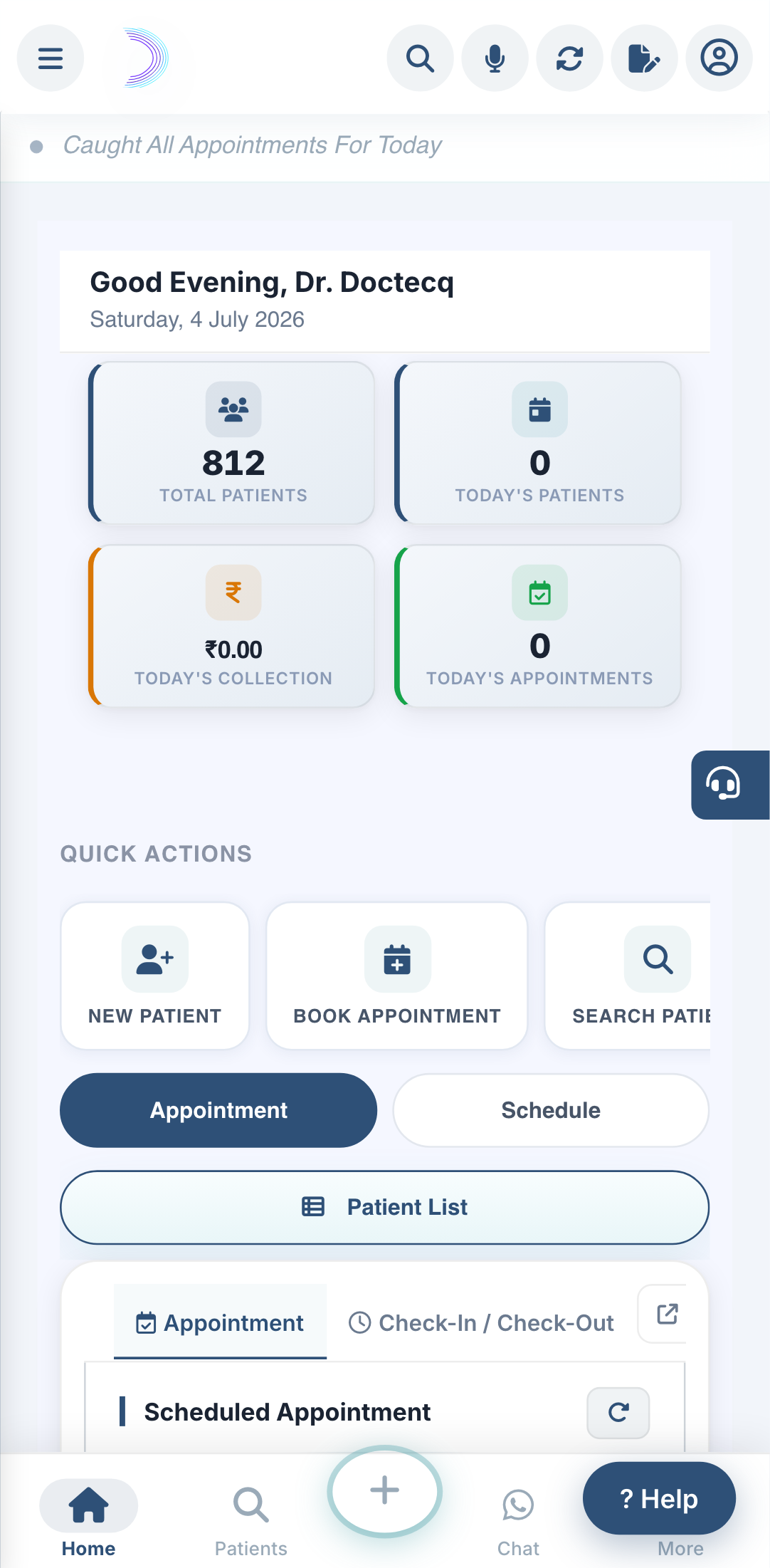
If the patient is new, you can register and book in one go from the Book Appointment window.
Steps
- Click Book Appointment.
- In Step 1, instead of searching, choose to add a new patient.
- Enter their name, mobile number, and file location.
- Continue to choose the date, doctor and location.
- Confirm.
The patient is saved and the appointment is booked together.
See also: Register a patient.