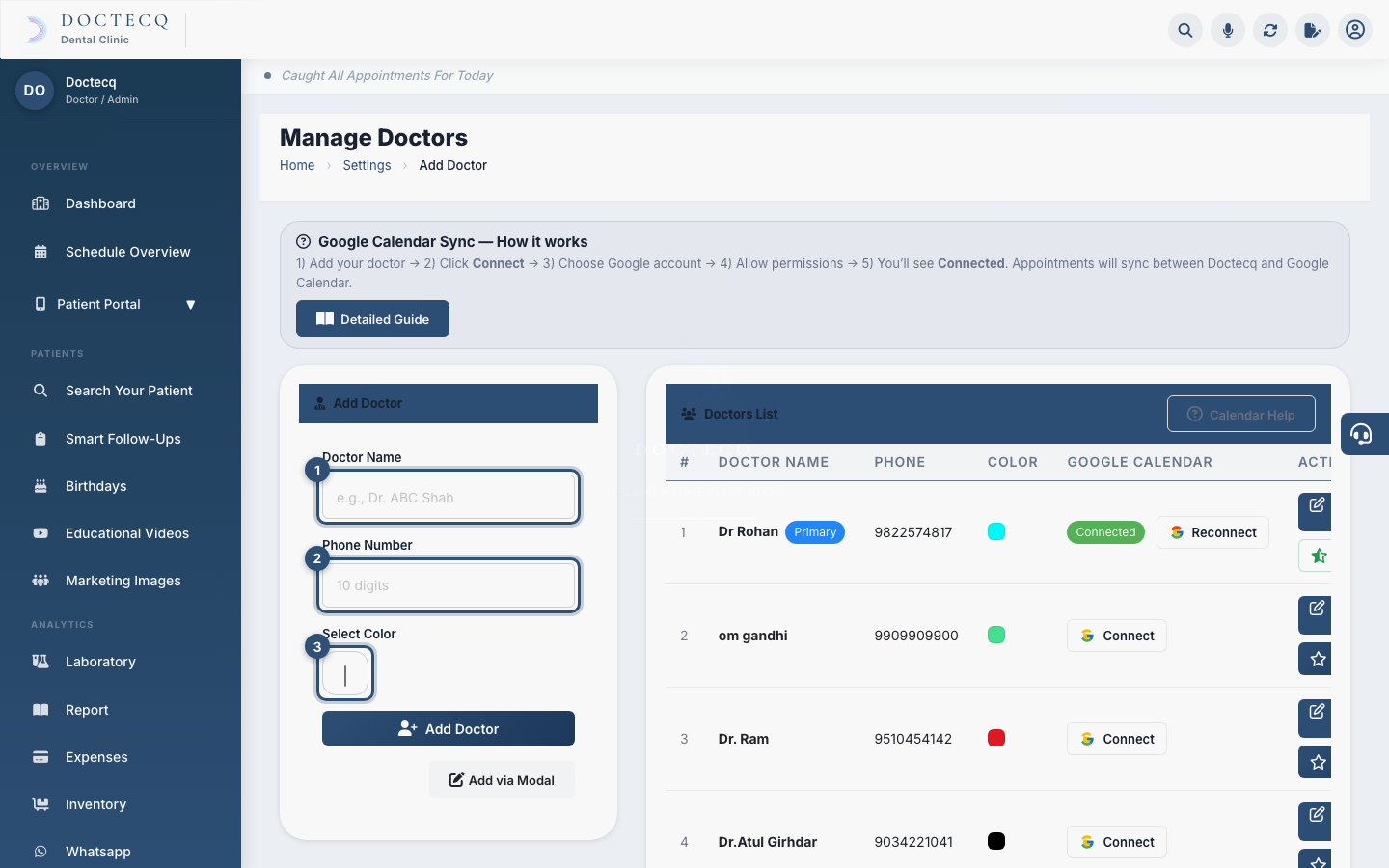
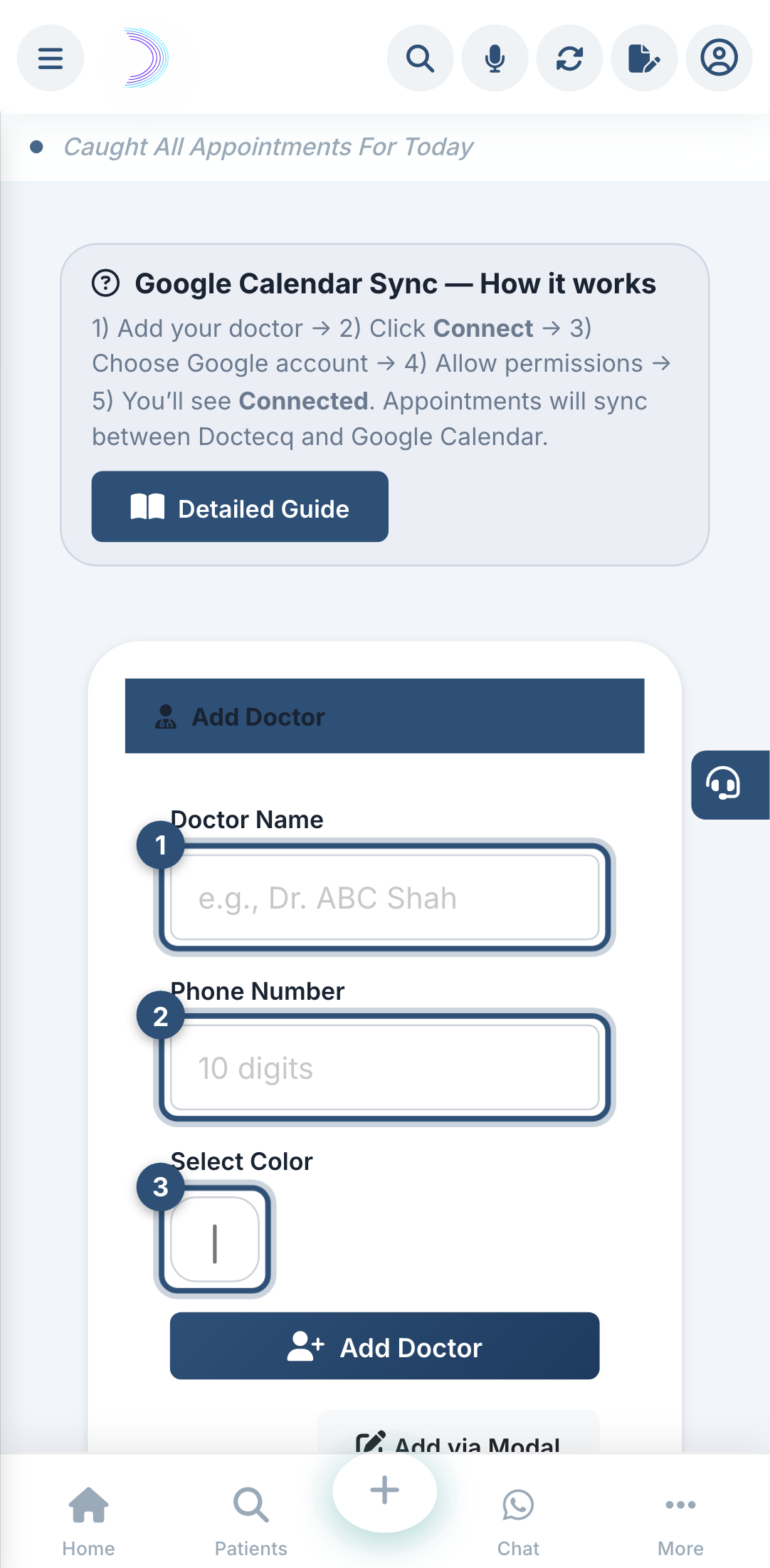
Every doctor you want to book appointments for must be added here. Each doctor also gets a colour, used on the calendar.
Who can do this
Clinic owner (admin).
Steps
- Open Settings, then click Clinic Doctor.
- In Doctor Name, type the name (for example, Dr. A. Shah).
- In Phone Number, type a 10-digit mobile number.
- Pick a Select Color — this colour marks the doctor's appointments on the calendar.
- Click Add Doctor.
The doctor now appears in the list and can be selected when booking.
Set a primary doctor
Click the star on a doctor's row to make them the default. Setting a new primary automatically removes it from the previous one.
Edit or remove
Use the pencil to edit a doctor, or the trash icon to remove one.
Common mistakes
- A phone number that is not exactly 10 digits — you'll see "Please provide a valid name and 10-digit phone number."
- Forgetting to add a doctor before trying to book — the booking form will have no doctor to choose.