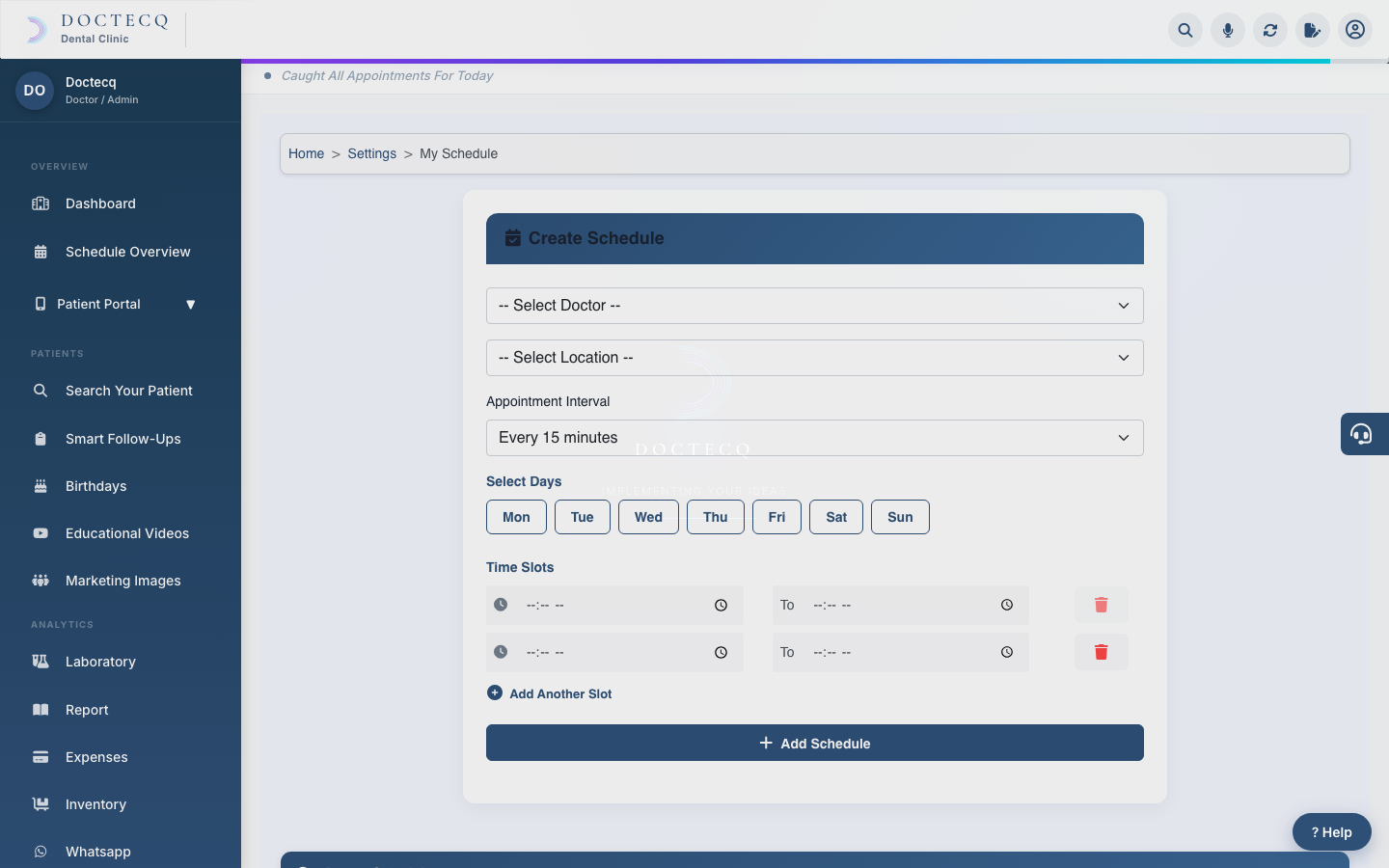
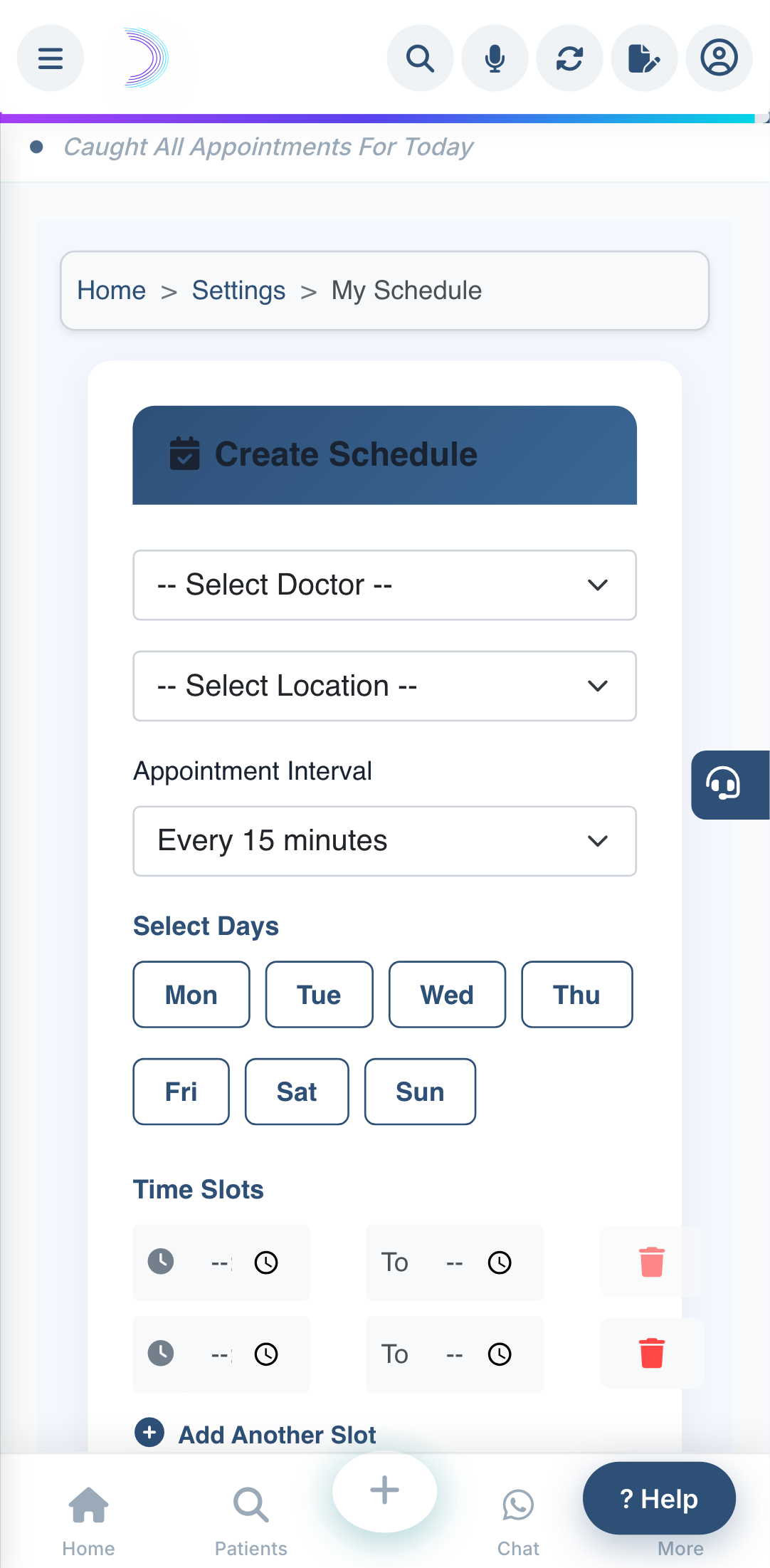
A doctor's schedule sets the days, times and slot length offered to patients. This is what fills the slot pickers in the reception app and the patient portal.
Steps
- Open My Schedule.
- Choose the Doctor and the Location.
- Choose the Appointment Interval (5, 10, 15, 20, 30 minutes, or Custom).
- Tick the days the doctor works and set the timings.
- Save.
Blocked slots
To block a time (lunch, a meeting, leave), add a blocked slot for that doctor and time range. Blocked times are removed from the slots patients and reception can pick.
Good to know: the reception app and patient portal only offer times inside this schedule. The main app's quick Book Appointment button, however, lets staff book any time — so double-check the calendar before choosing a time there.