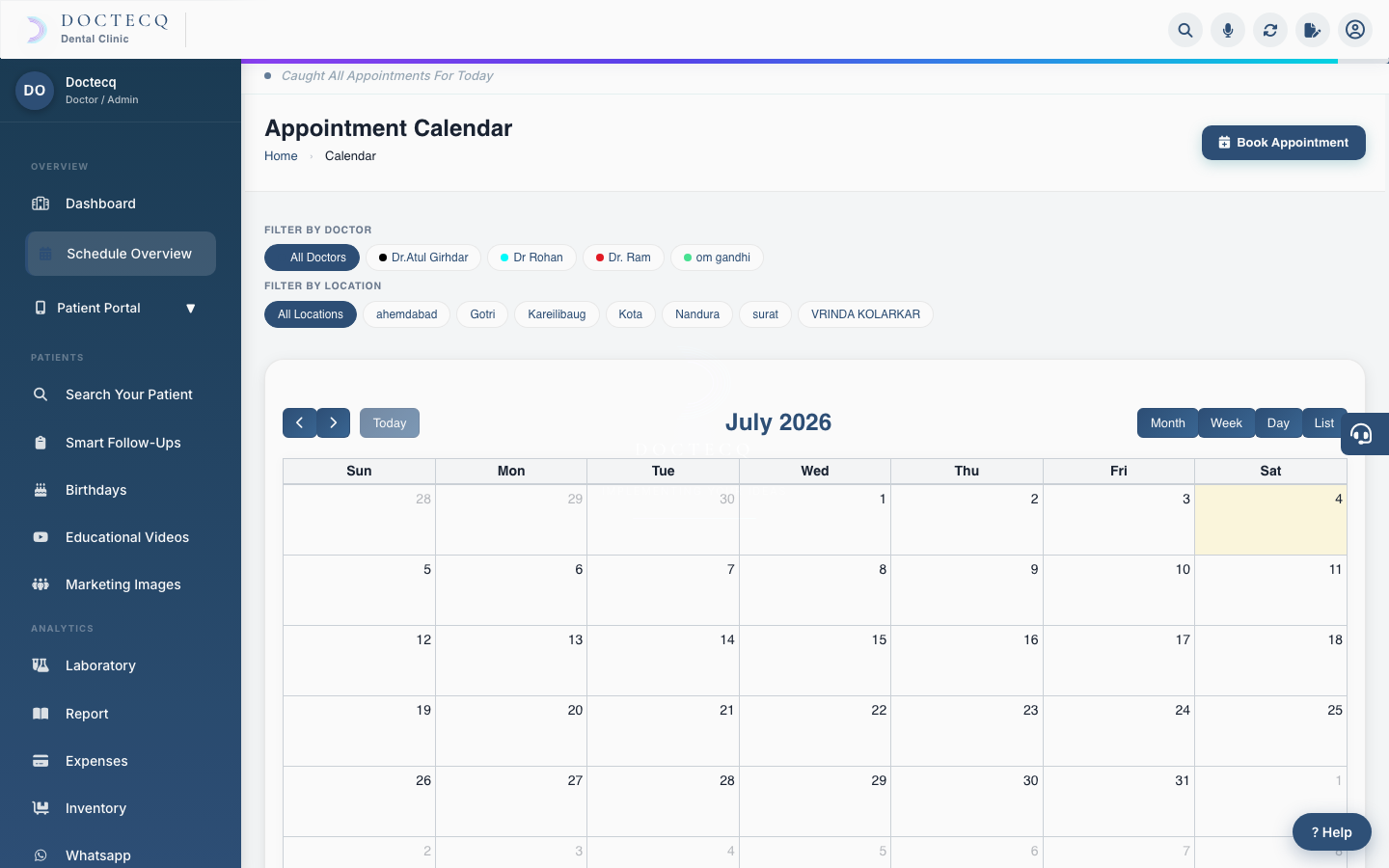
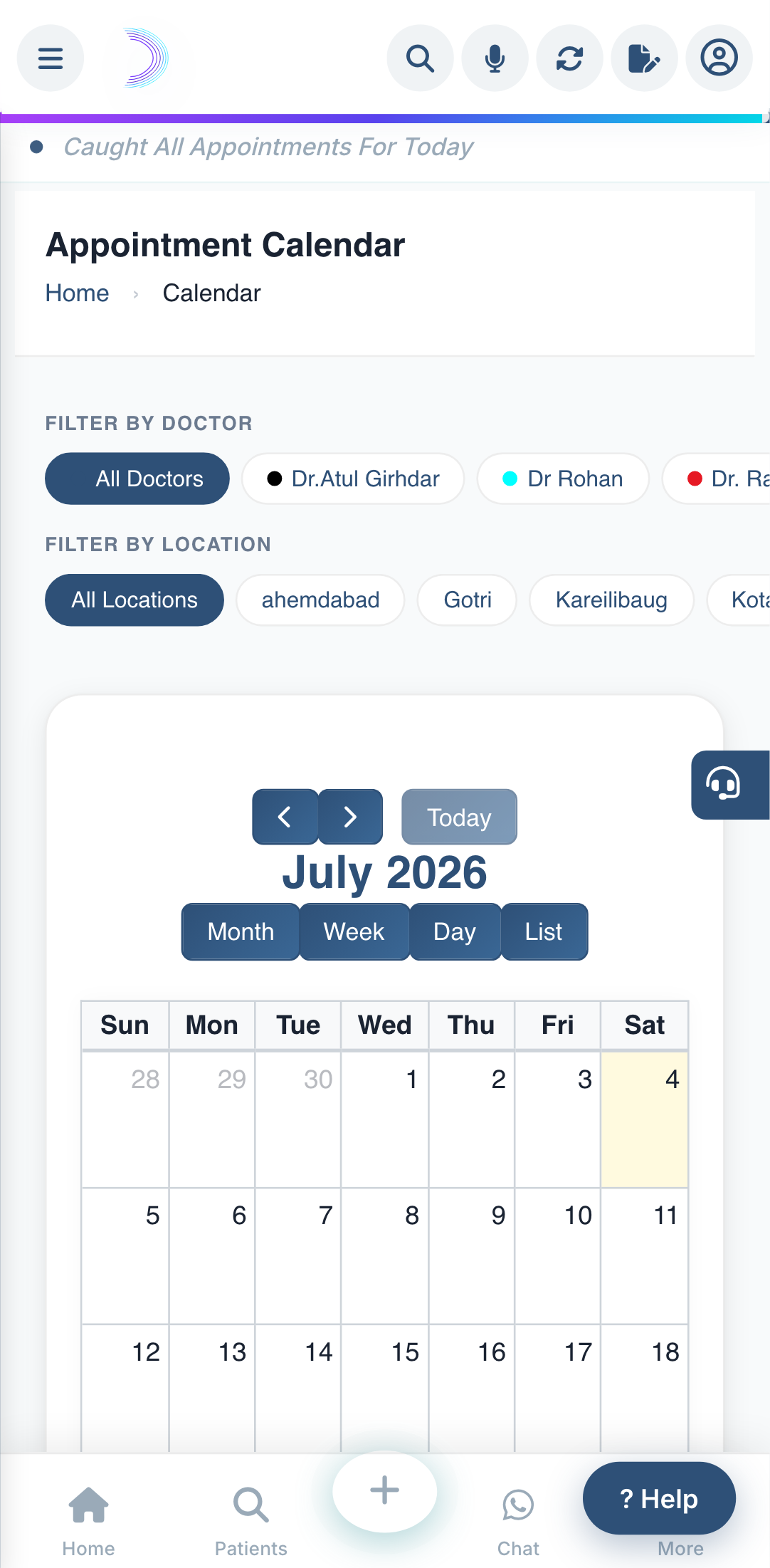
The calendar is where you see and manage every appointment. Open Schedule Overview from the left menu.
What you can do here
- See appointments coloured by doctor.
- Filter by doctor or location using the chips at the top.
- Click a date to book a new appointment for that day.
- Click an appointment to see details or reschedule it.
Ways an appointment can start
- You book it — using the Book Appointment button anywhere in the software.
- A patient asks online — through your public link or QR code (see Online appointment requests).
- A portal patient requests it — approved from the Patient Portal.
Read next: Book an appointment · Appointment statuses.